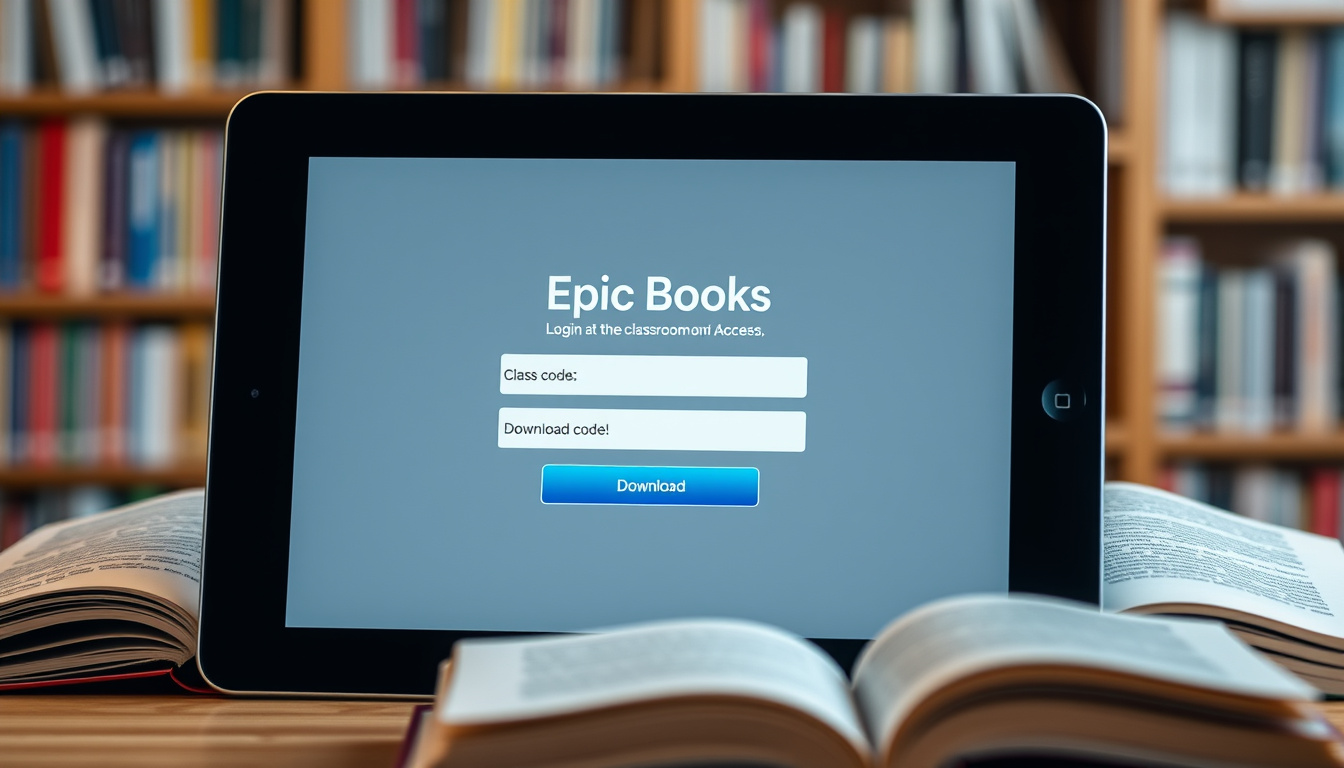
Few things are as satisfying as handing a child a book they actually want to read, and Epic Books makes that moment possible for millions of families and classrooms with a digital library of over 40,000 titles for kids up to 12. Whether you’re a parent trying to set up a home account or a teacher managing a classroom code, this guide walks you through the essential steps—no guesswork.
Books & more available: 40,000+ ·
Target age range: 12 and under ·
Platform type: Subscription-based digital library ·
Content formats: Books, audiobooks, learning videos, comics ·
Mobile app availability: iOS and Android ·
Offline access: Downloadable books
Quick snapshot
- Over 40,000 books, audiobooks, and videos available (Epic official website)
- Free trial offered for new users (Epic official website)
- Teachers can access Epic Free for educators (Epic Support)
- Books can be downloaded for offline reading in the app (Epic official website)
- Exact number of books that can be downloaded at once (YouTube tutorial (community source))
- Duration of free trial may vary (YouTube tutorial (community source))
- Whether saved class codes are retained across sessions (YouTube tutorial (community source) reports this may happen)
- Expect more localized content and classroom integration features
- Parents can start a free trial and explore the library before committing
Here is a quick reference of key facts about Epic Books.
| Attribute | Value |
|---|---|
| Total library size | 40,000+ titles |
| Content types | Books, audiobooks, videos, comics |
| Age range | Up to 12 years |
| Subscription model | Free trial, then paid monthly/yearly |
| Teacher plan | Free with educator verification |
| Offline reading | Yes, via app download |
| Platforms | Web, iOS, Android |
| Class code access | 6-character alphanumeric code from teacher |
| Student login | getepic.com/students |
| Educator login | getepic.com/sign-in/educator |
How do I log in to Epic Books?
Login on the Epic Books website
- Go to www.getepic.com and click Log In.
- Use an email address or a Google account to sign in.
- For classroom access, teachers should use the educator login page.
Login in the Epic Books app
- Open the Epic app on iOS or Android.
- Tap Log In and enter your credentials.
- Students can also tap Enter Class Code to log in without an email.
Parents and teachers each have a dedicated login path. The classroom code route is the simplest for students because it requires no email account, just a code from the teacher.
The implication: The login process is straightforward, with separate paths for parents and teachers, and a simple class code option for students.
Is Epic Books free for kids?
Free trial period
- Epic offers a free trial for new users (typically 30 days, though duration may vary).
- After the trial, a monthly or yearly subscription is required for families.
- Children can access the platform during the trial with no payment details required for the initial sign-up.
Free for teachers
- Teachers can get Epic Free for educators after verification.
- The educator plan is free and includes access to the full library during school hours (6am–4pm local time) (Totowa Public Schools tutorial (school district source)).
- Outside school hours, teachers can still assign books, but students need a home subscription to read them.
The free trial is a limited-time offer. After the trial, families must pay to continue. Teachers, however, can keep using Epic Free indefinitely as long as their educator status is verified.
Teachers enjoy ongoing free access, making Epic a valuable classroom resource.
How do I enter an Epic Books class code?
Entering class code on the website
- Go to getepic.com/students.
- Type the unique 6-character alphanumeric code provided by the teacher.
- Select your name from the class roster and click to enter.
Entering class code in the app
- Open the Epic app on your device.
- On iOS: tap Enter Class Code directly.
- On Android: tap Have an Account? Sign In, then Students and Educators, then enter the code.
- No email or password is required for student access.
The implication: Class codes are individual to each teacher. Multiple classrooms may share codes, but each student sees only their own class’s roster. This makes setup simple for teachers—they just share the code once, and students can log in independently.
Can I download books from Epic Books?
Downloading books in the app
- Open any book in the Epic app and tap the download icon (usually a down arrow).
- Downloaded books are stored locally on the device and can be read without an internet connection.
Reading downloaded books offline
- After downloading, go to your library and tap the “Downloads” section.
- Books remain available offline until you delete them or the subscription expires.
- A maximum download limit may apply (the exact limit is not publicly specified, but users report it’s generous).
Offline reading is valuable for travel, waiting rooms, or areas with spotty internet. Parents can download several books at once, giving kids a library in their pocket.
Downloading books allows offline reading, ideal for on-the-go access.
How do I use the Epic Books app?
Installing the app
- Download from the Apple App Store (iOS) or Google Play Store (Android).
- Install like any other app—no special permissions required.
Navigating the app interface
- Browse the library by age, category, or reading level.
- Use the search bar to find specific titles or subjects.
- Add books to your personal library for quick access later.
- Access your class code or educator dashboard from the profile menu.
The pattern: The app mirrors the website experience but adds portability. Parents find the interface intuitive, and kids can navigate it independently after a short introduction.
What is Epic Books? — A clearer picture
Confirmed facts
- Epic offers 40,000+ books and videos (Epic official website)
- Free trial is available for new users
- Teachers can access Epic for free
- Books can be downloaded for offline reading in the app
What’s unclear
- Exact number of books that can be downloaded at once
- Duration of free trial may vary
- Whether saved class codes persist across sessions (some district reports suggest they do, but not confirmed)
- Whether the class code is case-sensitive
- Whether the app is available on Amazon Fire tablets
“Epic is the world’s largest digital library for kids, with over 40,000 books, audiobooks, and videos.”
— Epic official website (platform provider)
“Epic! is a subscription-based learning platform for children under 12, offering access to thousands of books, videos, and quizzes.”
For parents and teachers, the choice is clear: Epic Books offers a robust digital library that works across devices, with a free trial and a genuinely free educator plan. The trade-off is a subscription after the trial for families, but the offline reading and classroom code features make it a practical tool for busy households and schools alike.
Related reading: Epic Student Login
youtube.com, youtube.com, support.getepic.com, youtube.com, iblog.dearbornschools.org, msd3.org, hance.pinerichland.org, civicpost.co.uk, getepic.com, itpiraten.se
For a more detailed overview of the platform’s features, parents can refer to this Epic Books digital library guide for additional insights.
Frequently asked questions
What age is Epic Books suitable for?
Epic is designed for children ages 12 and under. The library is curated with age-appropriate content, and parents can filter by reading level.
How much does Epic Books cost after the trial?
After the free trial, the standard subscription is $9.99 per month or $71.99 per year (prices may vary by region).
Can I use Epic Books on multiple devices?
Yes, you can log in to your Epic account on up to four devices simultaneously. The app syncs your library and reading progress.
Does Epic Books have audiobooks?
Yes, Epic includes thousands of audiobooks along with books, videos, and comics. Audiobooks are clearly marked in the library.
How do teachers sign up for Epic Books?
Teachers can sign up at getepic.com/sign-in/educator and verify their educator status to get Epic Free.
Is Epic Books safe for kids?
Epic is COPPA-compliant and offers a safe, ad-free environment. Parents can set reading limits and monitor activity through the dashboard.
Can I cancel my Epic Books subscription anytime?
Yes, you can cancel your subscription at any time. Access continues until the end of the current billing period.
Epic Books addresses common questions about age suitability, cost, device usage, and safety, making it a reliable choice for families.
Related stories





Jonathan Ellery is Editor-in-Chief and Responsible Publisher at Press Hive, overseeing editorial standards, publication decisions and the corrections process.