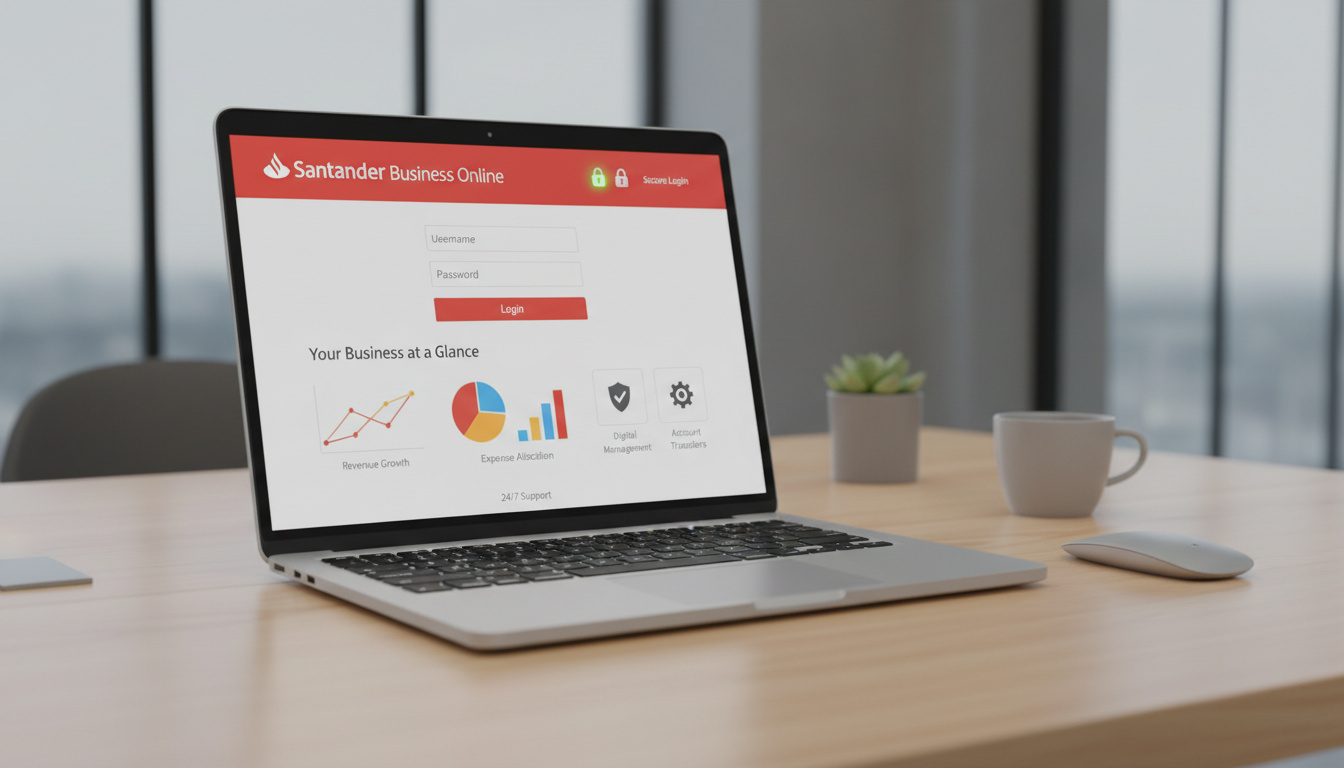
Santander UK operates a dedicated online banking platform for business customers, accessible through business.santander.co.uk. The service provides small enterprises with round-the-clock tools for managing accounts, executing payments, and monitoring transactions without visiting physical branches.
The platform distinguishes between personal and business credentials, requiring separate registration even for existing personal banking customers. Small businesses with up to two directors may access simplified product tiers through the same digital infrastructure.
Security protocols include two-factor authentication and encryption standards aligned with UK banking regulations. Support operates via dedicated phone lines during extended weekday hours and Saturday mornings.
How Do I Register and Set Up Santander Business Online Banking?
24/7 availability via web and mobile platforms
Phone-based enrollment required
Web, iOS, and Android support
UK businesses with Santander accounts
- New users must call 0330 123 9860 to request login credentials; online self-registration is not available for initial setup.
- Operating hours for registration support are 8am to 8pm Monday through Friday, and 8am to 2pm Saturday.
- Personal banking customers cannot use existing credentials; separate business authentication is mandatory.
- The mobile application requires prior enrollment in Online Banking and agreement to terms before download.
- Small businesses with up to two directors may qualify for streamlined account products through the platform.
- Users wishing to view both personal and business accounts on one screen must contact Santander to link access.
| Service Provider | Santander UK |
|---|---|
| Portal URL | business.santander.co.uk |
| Registration Method | Telephone (0330 123 9860) |
| Support Hours | Mon-Fri 8am-8pm, Sat 8am-2pm |
| Mobile Availability | iOS and Android |
| Authentication | Personal ID and Security Number |
| Security Layer | Two-factor authentication (2FA) |
| Fraud Protection | Online and Mobile Banking Commitment |
How to Log In and Access Santander Business Online Banking?
Access requires navigating to the official business portal. Users enter a Personal ID and Security Number combination distinct from personal banking credentials. Video guidance demonstrates the login interface for first-time users.
Standard Authentication Process
The login interface prompts for a Personal ID (username) and Security Number (password equivalent). Two-factor authentication triggers upon entry, sending a one-time passcode to the registered mobile device. This verification step applies to both initial access and certain high-risk transactions.
Credential Recovery Procedures
Users who forget credentials should click “Reset log on details” or “Trouble logging on?” links on the login page. The system allows password resets without telephone verification for previously registered users. Specific options include resetting the Password/Passcode or Security Number/Registration Number.
Santander recommends constructing passphrases of three or more unrelated words rather than complex single-word passwords. Avoid incorporating personal information such as birth dates or names. The bank advises using password managers and creating unique credentials not reused across other services.
What Are the Key Features of Santander Business Online Banking?
The platform supports core financial operations including real-time balance inquiries, historical transaction reviews, and statement generation. Users manage Direct Debits and standing orders through the same interface.
Payment and Transfer Capabilities
Business customers execute domestic transfers, schedule bill payments, and arrange recurring transactions. The system accommodates Bounce Back Loan viewing for eligible businesses, allowing borrowers to monitor repayment schedules and lender communications.
Mobile Application Functionality
The Santander Business Banking app mirrors web functionality for smartphone users. Available exclusively through Google Play and the iOS App Store, the application uses identical credentials to the web platform. Data and messaging rates may apply depending on carrier agreements.
Downloading the mobile app requires prior completion of Online Banking enrollment and acceptance of service terms. Third-party app sources are not supported and may present security risks. Alert setup is available via the Alerts tab after login.
Is Santander Business Online Banking Safe and Secure?
Santander implements multi-layered security protocols including two-factor authentication via SMS or authenticator applications. All data transmission employs industry-standard encryption methods.
Authentication and Encryption Standards
Two-factor authentication is mandatory for login attempts and specific transaction types. The bank provides free security software branded as Santander Secure. Encryption protocols meet or exceed UK Financial Conduct Authority requirements for digital banking infrastructure.
Fraud Prevention Framework
The Online and Mobile Banking Commitment provides fraud protection for customers who follow security guidelines, including maintaining login confidentiality and verifying website authenticity. Users must confirm they access santander.co.uk domains before entering credentials.
Never share login details with third parties. Verify the URL displays santander.co.uk before entering credentials. Install operating system updates promptly and download applications only from official stores. Monitor account statements regularly for unauthorized transactions.
How Has Santander Business Online Banking Developed Over Time?
- : Launch of dedicated business online banking platform separate from personal banking infrastructure.
- : Introduction of mobile applications for iOS and Android platforms, extending access beyond desktop environments.
- : Implementation of mandatory two-factor authentication across all business accounts to comply with Strong Customer Authentication regulations.
- : Integration of Bounce Back Loan management tools following government COVID-19 support schemes.
- : Mobile interface refresh and optimization for small business workflows.
- : Core functionality remains stable with continued 2FA enforcement and fraud monitoring systems; specific 2025 updates are not detailed in public documentation.
What Is Definitively Known About the Service?
| Established Facts | Uncertain or Variable Information |
|---|---|
| Registration requires telephone contact at 0330 123 9860 | Specific fee structures for premium features in 2025 |
| Two-factor authentication is mandatory for all users | Detailed API documentation for third-party integrations |
| Mobile apps require prior Online Banking enrollment | Roadmap for upcoming feature releases |
| Fraud protection applies under the Banking Commitment | Availability of 24/7 telephone support (current hours limited) |
| Support available Mon-Fri 8am-8pm, Sat 8am-2pm | Specific criteria for “simplified” product qualification beyond director count |
Why Do Small Businesses Use Santander Online Banking?
Santander UK’s business banking infrastructure serves small and medium enterprises requiring remote financial management capabilities. The platform operates within the regulatory framework of the UK Financial Conduct Authority, ensuring compliance with digital banking standards.
The service targets businesses seeking alternatives to branch-based banking, offering comparable functionality to personal Interest Free Credit Cards management platforms but with additional controls for multi-user access and business-specific transactions. Small businesses with limited director counts receive tailored product offerings through the same technical infrastructure.
Integration capabilities focus primarily on direct payment processing rather than extensive accounting software connectivity, positioning the service as a standalone financial management tool rather than an ecosystem hub.
What Do Official Sources Confirm?
Santander UK offers secure Online Business Banking for small businesses, accessible via business.santander.co.uk, with features for account management, payments, transfers, and Direct Debits, supported by a mobile app, 2FA security, and phone support.
— Santander UK Business Banking Documentation
Create strong, unique passwords avoiding common or personal info; use passphrases (3+ words) for better security.
— Santander Private Banking Cybersecurity Guidelines
What Should Users Remember?
Santander Business Online Banking provides essential account management through a secure, phone-registered portal at business.santander.co.uk. The service requires separate credentials from personal banking and mandates two-factor authentication for all access attempts. While specific fee schedules remain undisclosed in public documentation, core online banking functions carry no stated charges. Users requiring immediate assistance can contact dedicated support lines during extended weekday hours. For location-based services, consider searching Massage Parlour Near Me to find nearby business amenities while managing finances remotely.
Frequently Asked Questions
What documents are required to register for business online banking?
Santander does not specify exact document requirements for online registration in public sources. The process requires calling 0330 123 9860, where representatives will verify business account ownership and identity.
Can I view personal and business accounts on the same screen?
Yes, but only after contacting Santander to link the accounts. Existing personal banking users must request business access credentials separately, then ask for combined view functionality.
Are there fees for using Santander Business Online Banking?
No specific fees are detailed for standard Online Business Banking, Mobile App usage, or basic features. Business account pricing varies by account type; contact support for specific fee structures.
What should I do if I suspect fraudulent activity?
Contact the Lost/Stolen Cards line immediately at 0330 123 9860 (24/7). For abroad calls, use +44 1908 237 968. Never share login details and verify you are on santander.co.uk before entering credentials.
Why can’t I find the mobile app on third-party stores?
Santander distributes the Business Banking app exclusively through Google Play and the iOS App Store. Third-party downloads are not supported and may compromise security.
Is there scheduled maintenance downtime?
No current downtime reports are published. Check santander.co.uk for service status updates. The platform is designed for 24/7 access, though emergency maintenance may occur.
Can I reset my password without calling support?
Yes, if previously registered. Click “Forgotten your password?” on the login page and follow the prompts. First-time users must call 0330 123 9860 to obtain initial credentials.
Related stories





Amelia Blackwell covers the economy, business and consumer affairs for Press Hive.